
Bosch Range Control: How to Set a Battery Reserve
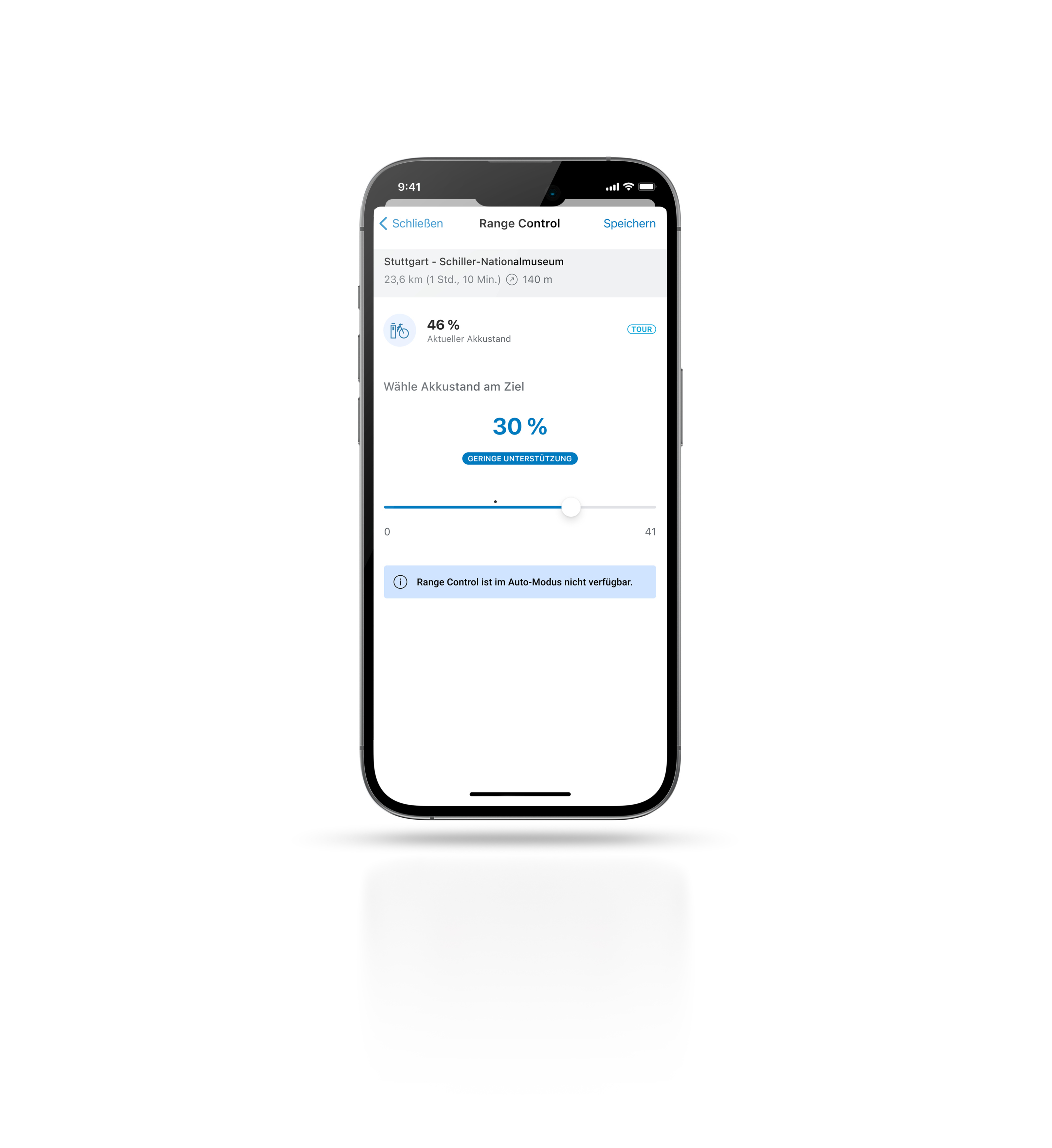
Bosch Range Control lets you choose the battery charge you want left at the end of a planned ride. The eBike Flow app estimates your arrival charge, and the bike can adjust motor assistance to help meet your target. Plan to your real finish, not just your turnaround.
By SickEBike desk
The short answer
Bosch Range Control lets you choose the battery charge you want left at the end of a planned ride. The eBike Flow app estimates your arrival charge, and the bike can adjust motor assistance to help meet your target. Plan to your real finish, not just your turnaround.
Bosch Range Control lets you choose the battery charge you want left at the end of a planned ride. The eBike Flow app estimates your arrival charge, and the bike can adjust motor assistance to help meet your target. Plan to your real finish, not just your turnaround.
Bosch U.S. product and support documentation checked November 23, 2026. This guide explains the documented feature; it is not a ride test.
What does Bosch Range Control actually do?
Bosch Range Control lets you choose the battery charge you want left at the end of a planned ride. The eBike Flow app estimates your arrival charge, and the bike can adjust motor assistance to help meet your target. Plan to your real finish, not just your turnaround.
Bosch’s U.S. route-planning guide distinguishes the predicted charge in a chosen riding mode from the reserve you ask Range Control to preserve. Think of the first as a preview and the second as an instruction to the bike. Neither adds energy to the battery.
Do you need Flow+ to set an arrival reserve?
No. Bosch lists the arrival reserve under the free features of its eBike Flow app for compatible smart-system bikes. The separate feature that checks your parked bike’s current charge remotely is not the same thing. Bosch’s comparison lists remote charge status with the ConnectModule and a Flow+ subscription.
Use Bosch’s system comparison to identify your generation: the feature belongs to the smart system, not Bosch eBike system 2. Check the current U.S. eBike Flow feature list before buying a subscription for any other navigation feature. Bosch excludes speed eBikes and Auto mode. If the reserve option is missing, confirm that your bike is paired and check for supported app and bike software updates before assuming it will work.
How do you set a target for an out-and-back ride?
In eBike Flow, plan the route through the turnaround and back to where the ride actually ends. In the route preview, compare the arrival estimates, then choose your desired remaining charge with Range Control. If navigation only covers the outbound leg, the displayed target applies to that leg’s destination, not your ride home.
For example, if the coffee shop is the halfway point and your car is the finish, include both legs in the itinerary. If you make the coffee shop the destination instead, choose a reserve with the return leg in mind. A 20% target is an example, not Bosch’s recommended reserve: allow extra margin for a steep return, weather or detours. See Bosch’s Range Control release notes and our guide to reading e-bike battery gauges.
Will Range Control keep your usual assist level?
Not necessarily. Bosch says the bike adjusts assistance while you ride to help reach your selected arrival charge. With a big reserve or a demanding route, be prepared for less motor help than you usually use. Treat the target as a planning tool, not a reason to ride past your sensible turnaround point.
Before a long ride, try the feature on a familiar route and watch how the assistance feels. Keep an alternative way back in mind, and review the plan at your turnaround rather than waiting for a low-battery warning. Bosch’s press image shows the planning feature at its introduction; your current app may look different.
Questions people ask
What does Bosch Range Control actually do?+
Bosch Range Control lets you choose the battery charge you want left at the end of a planned ride. The eBike Flow app estimates your arrival charge, and the bike can adjust motor assistance to help meet your target. Plan to your real finish, not just your turnaround.
Do you need Flow+ to set an arrival reserve?+
No. Bosch lists the arrival reserve under the free features of its eBike Flow app for compatible smart-system bikes. The separate feature that checks your parked bike’s current charge remotely is not the same thing. Bosch’s comparison lists remote charge status with the ConnectModule and a Flow+ subscription.
How do you set a target for an out-and-back ride?+
In eBike Flow, plan the route through the turnaround and back to where the ride actually ends. In the route preview, compare the arrival estimates, then choose your desired remaining charge with Range Control. If navigation only covers the outbound leg, the displayed target applies to that leg’s destination, not your ride home.
Will Range Control keep your usual assist level?+
Not necessarily. Bosch says the bike adjusts assistance while you ride to help reach your selected arrival charge. With a big reserve or a demanding route, be prepared for less motor help than you usually use. Treat the target as a planning tool, not a reason to ride past your sensible turnaround point.
Keep riding
 Gear
Bosch 12A vs 4A Charger: Which Is Faster?
Bosch’s 12A Charger can cut a PowerTube 800’s time to half charge from about 2.6 hours to about one hour, according to Bosch. It does not make every smart-system battery charge three times faster. On the PowerMore 250, Bosch lists the same approximate half-charge time with the 12A and 4A chargers.
NOV 23, 2026
 Gear
Bosch LED Controller: What Its USB-C Port Can Do
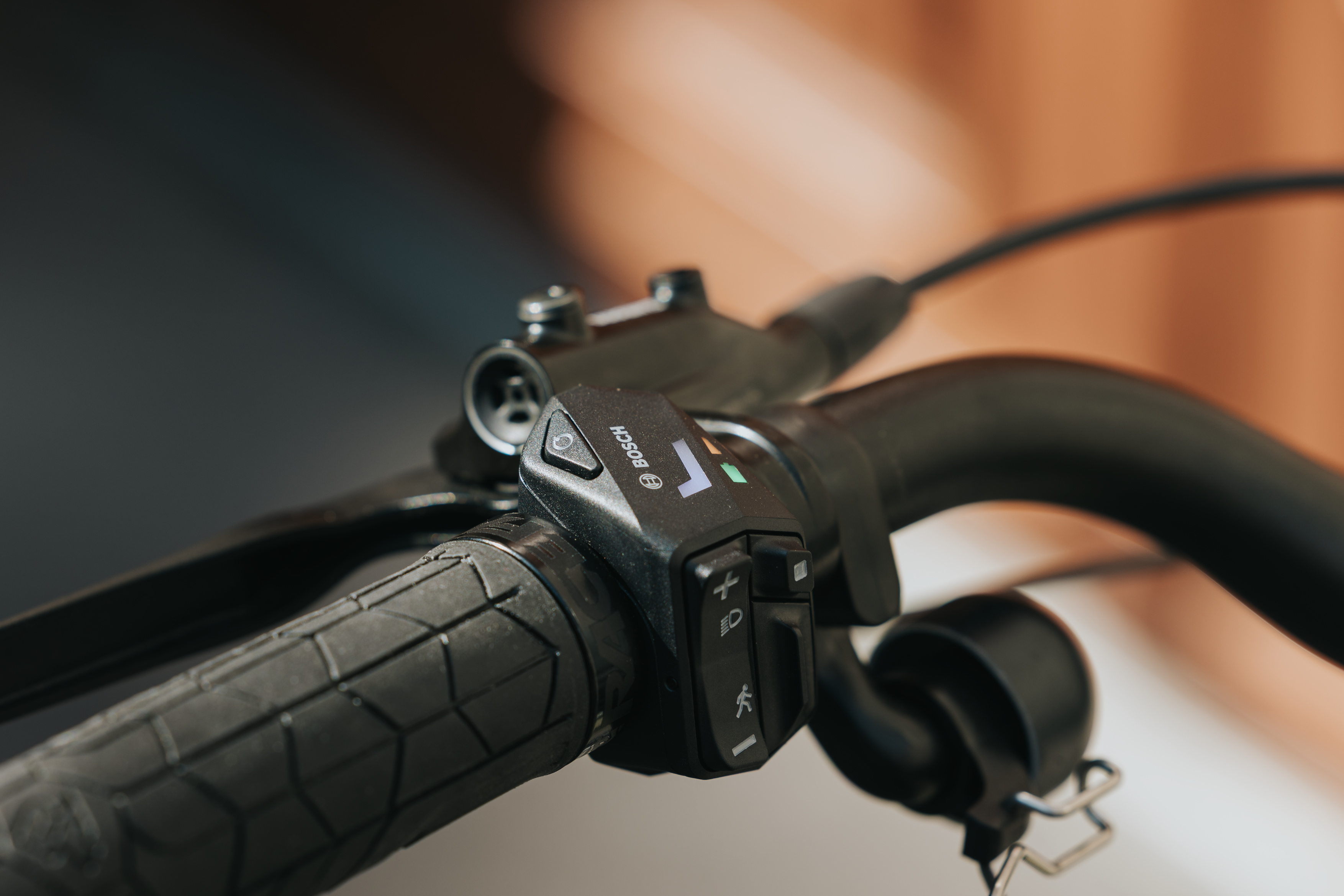
Bosch’s LED Controller is a smaller handlebar control for the smart system, not a screen. Its USB-C port can supply up to 10 watts, but Bosch says the drive unit and other connected devices can limit charging or prevent it. Check the exact hardware on your bike before treating it as a phone charger or an automatic swap for the LED Remote.
NOV 22, 2026
 Guides
Bosch Battery Lock vs. eBike Lock: What Changes?
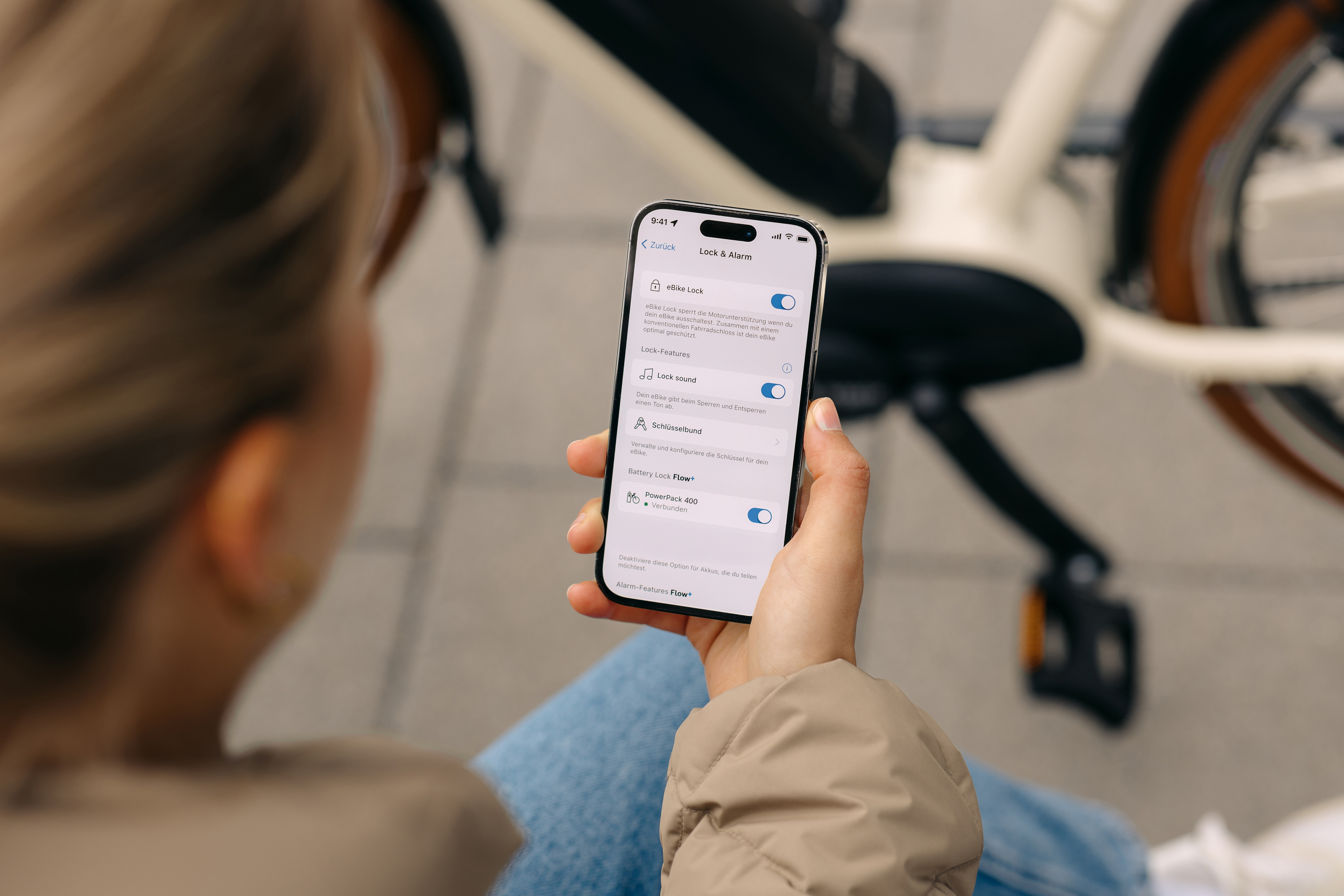
Bosch eBike Lock disables motor assistance on a compatible smart-system bike. Battery Lock is separate: with paid Flow+, it digitally restricts use of the battery in another e-bike. Neither stops someone from carrying off the bike or the battery, so keep using a suitable physical lock.
NOV 22, 2026