
Bosch Intuvia 200 vs. 100: What Changes?
The Bosch Intuvia 200 is a fixed grayscale display powered by the e-bike battery. The Intuvia 100 detaches from its mount and uses a CR2450 coin cell. Both are for the Bosch smart system, but that does not make the mounts interchangeable. Check the display, controller and wiring for your exact bike before buying.
By SickEBike desk
The short answer
The Bosch Intuvia 200 is a fixed grayscale display powered by the e-bike battery. The Intuvia 100 detaches from its mount and uses a CR2450 coin cell. Both are for the Bosch smart system, but that does not make the mounts interchangeable. Check the display, controller and wiring for your exact bike before buying.
The Bosch Intuvia 200 is a fixed grayscale display powered by the e-bike battery. The Intuvia 100 detaches from its mount and uses a CR2450 coin cell. Both are for the Bosch smart system, but that does not make the mounts interchangeable. Check the display, controller and wiring for your exact bike before buying.
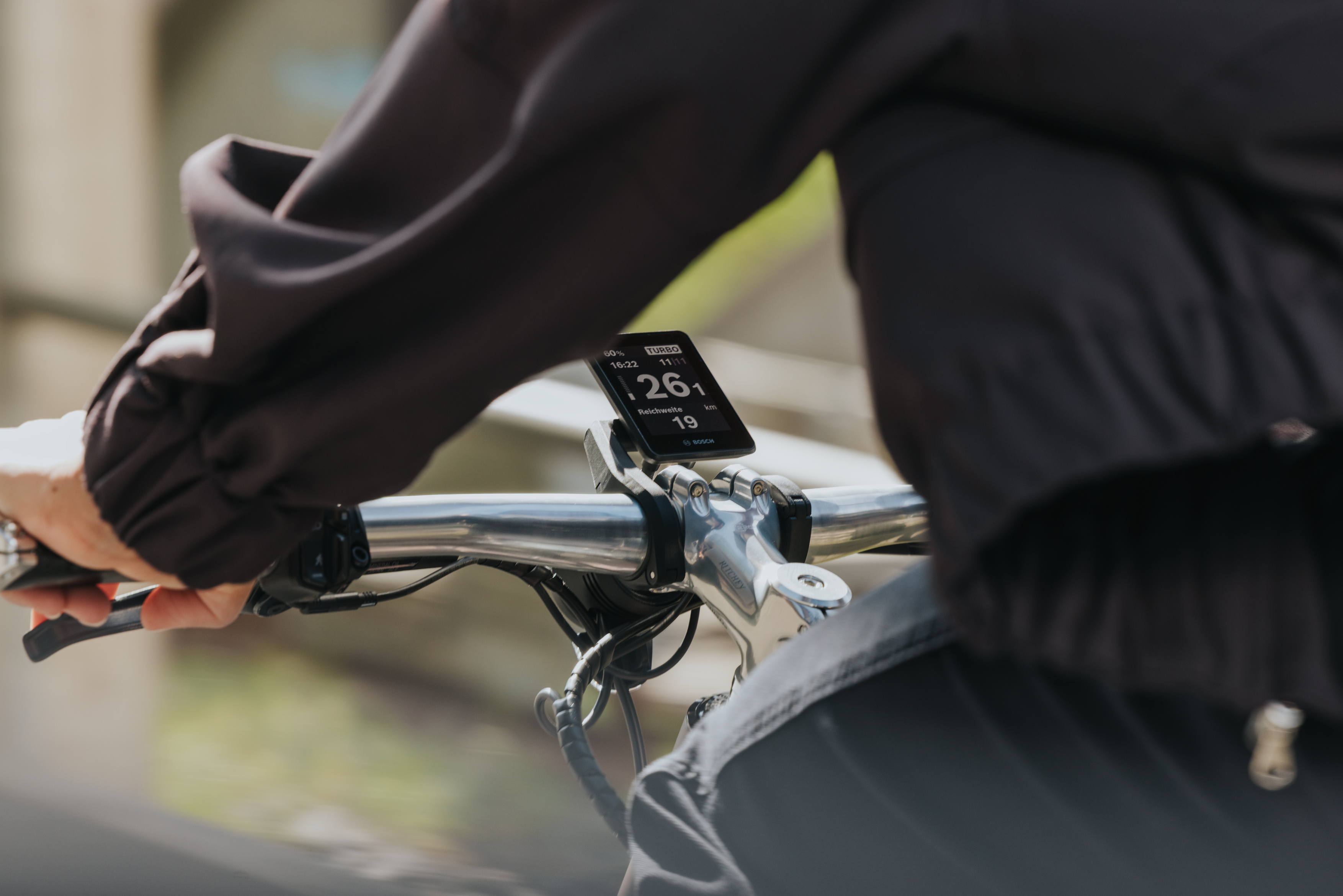
This is a comparison of Bosch’s U.S. Intuvia 200 and Intuvia 100 specifications, checked November 21, 2026. The official Bosch press photo shows Intuvia 200. We have not installed or ridden with either display for this comparison. The useful question when shopping for a winter commuter is whether you want to remove the screen at every stop or leave it on the bike.
Bosch U.S. manufacturer specifications, checked November 21, 2026.
| Feature | Intuvia 200 | Intuvia 100 |
|---|---|---|
| Mounting | Fixed to handlebar | Removable |
| Screen | Grayscale TFT IPS; 2.4 inches in overview, approx. 2.5 inches in technical table | Approx. 2.5 inches, black and white |
| Display power | E-bike battery | CR2450 coin cell |
| External-device charging | No | No |
What changes from the Bosch Intuvia 100 to the 200?
The main change is how the display mounts and gets power. Bosch lists the Intuvia 100 as removable and powered by a CR2450 coin cell. The Intuvia 200 stays on the handlebar and draws power from the e-bike battery. Those are the more useful differences because Bosch’s U.S. Intuvia 200 page gives two different screen sizes.
Bosch’s U.S. Intuvia 200 overview says 2.4 inches diagonally, while its technical table says approximately 2.5 inches. Both are Bosch figures. Don’t choose between these displays based on that difference. Bosch also specifies automatic brightness adjustment on the Intuvia 200 up to 1,000 cd/m². It gives no comparable maximum in the Intuvia 100 table. That makes the 200’s figure useful as a specification, not a measured brightness comparison. If you prefer taking the screen with you when parked, the 100’s removable design is the relevant distinction.
Does the Bosch Intuvia 200 have its own buttons?
No. Bosch lists no buttons on the Intuvia 200. A compatible separate control unit operates it. Bosch names the LED Controller, LED Remote, and the System Controller with Mini Remote. Confirm the exact combination on your bike, especially if the handlebar display and assist controls are different parts.
On the 200, Bosch lets you pick which ride data appears and switch between light and dark display modes. Distance, estimated range and riding time are among the standard options. Look up your exact control unit first; do not assume an older bike labeled Intuvia belongs to the smart system.
Does the Intuvia 200 charge a phone?
No. Bosch lists no external-device charging on the Intuvia 200. The display can show the current smartphone charge level as an optional data field, but that is not power output. A port elsewhere on the bike is a separate spec, so confirm it for the exact controller and drive unit.
If your goal is keeping navigation on a phone during a long ride, check the bike’s documentation for a dedicated charging option. Do not count a phone battery readout as a charging feature. Neither Intuvia model lists external-device charging in Bosch’s technical data.
Can an Intuvia 200 replace an Intuvia 100?
Do not assume it is a drop-in swap. Although Bosch lists both displays for the smart system, the Intuvia 200 is fixed and takes bike power, while the Intuvia 100 is removable and coin-cell powered. Ask a Bosch dealer to confirm parts, mounting, wiring, controller support and any software update for your model.
Bosch’s U.S. retrofit page directs riders to dealers for fit, installation and system updates. Bring your bike’s make, model year and current controller details. For the drive unit discussed alongside the display in Bosch’s city-bike announcements, see our Active Line Plus coverage.
Questions people ask
What changes from the Bosch Intuvia 100 to the 200?+
The main change is how the display mounts and gets power. Bosch lists the Intuvia 100 as removable and powered by a CR2450 coin cell. The Intuvia 200 stays on the handlebar and draws power from the e-bike battery. Those are the more useful differences because Bosch’s U.S. Intuvia 200 page gives two different screen sizes.
Does the Bosch Intuvia 200 have its own buttons?+
No. Bosch lists no buttons on the Intuvia 200. A compatible separate control unit operates it. Bosch names the LED Controller, LED Remote, and the System Controller with Mini Remote. Confirm the exact combination on your bike, especially if the handlebar display and assist controls are different parts.
Does the Intuvia 200 charge a phone?+
No. Bosch lists no external-device charging on the Intuvia 200. The display can show the current smartphone charge level as an optional data field, but that is not power output. A port elsewhere on the bike is a separate spec, so confirm it for the exact controller and drive unit.
Can an Intuvia 200 replace an Intuvia 100?+
Do not assume it is a drop-in swap. Although Bosch lists both displays for the smart system, the Intuvia 200 is fixed and takes bike power, while the Intuvia 100 is removable and coin-cell powered. Ask a Bosch dealer to confirm parts, mounting, wiring, controller support and any software update for your model.
Keep riding

Bosch Active Line Plus: 60 Nm, and the 600 Watts Did Not Move
Bosch’s new Active Line Plus is the BDU344Y. The EU product page prints 60 Nm, 600 watts, 340 percent support, 250 watts continuous, and 2.7 kg. The motor it replaces, the BDU334Y, already printed 600 watts, 340 percent, 250 watts, and 50 Nm at 3.2 kg. The new 70 rpm cell is 366.5 watts. That is 50 Nm at 70 rpm, not 60.
OCT 26, 2026
 Gear
Bosch LED Controller: What Its USB-C Port Can Do
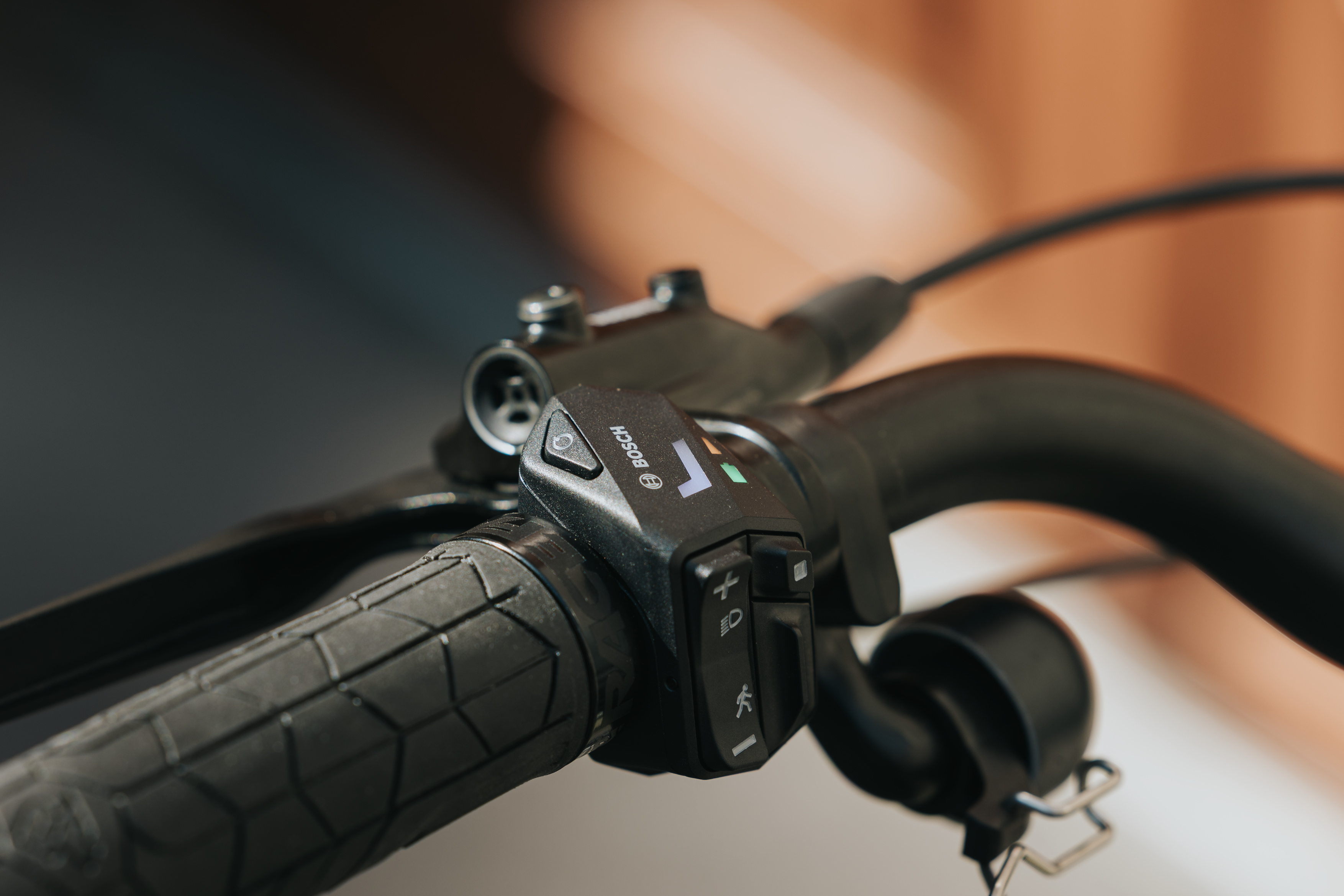
Bosch’s LED Controller is a smaller handlebar control for the smart system, not a screen. Its USB-C port can supply up to 10 watts, but Bosch says the drive unit and other connected devices can limit charging or prevent it. Check the exact hardware on your bike before treating it as a phone charger or an automatic swap for the LED Remote.
NOV 22, 2026
 Guides
Bosch Battery Lock vs. eBike Lock: What Changes?
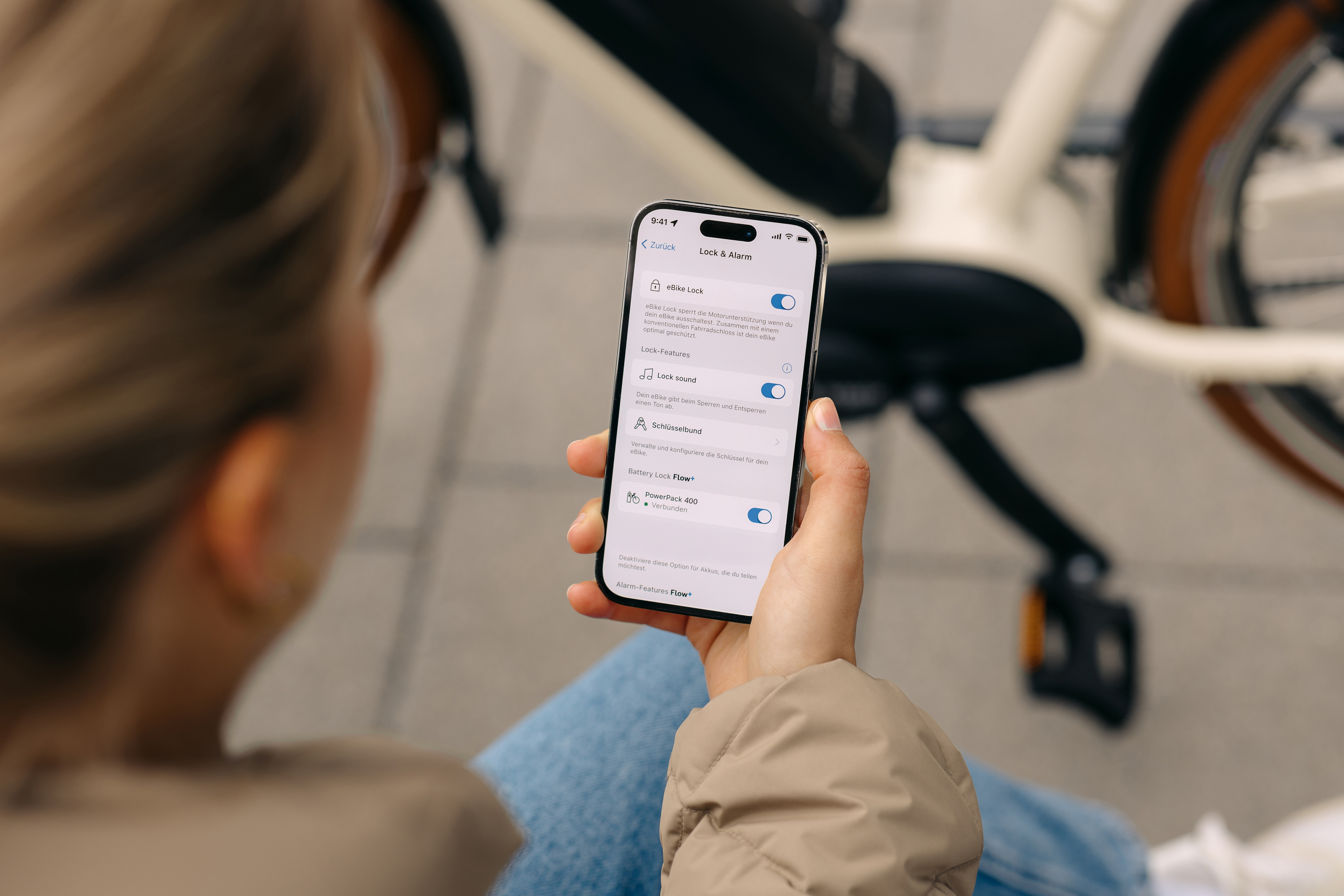
Bosch eBike Lock disables motor assistance on a compatible smart-system bike. Battery Lock is separate: with paid Flow+, it digitally restricts use of the battery in another e-bike. Neither stops someone from carrying off the bike or the battery, so keep using a suitable physical lock.
NOV 22, 2026